‹ All guides
For organisers
Create a competition
One day or several, any format. Your players join with a code.
Filmed 1 November 2026 · app version 1.0.5 · 29 seconds
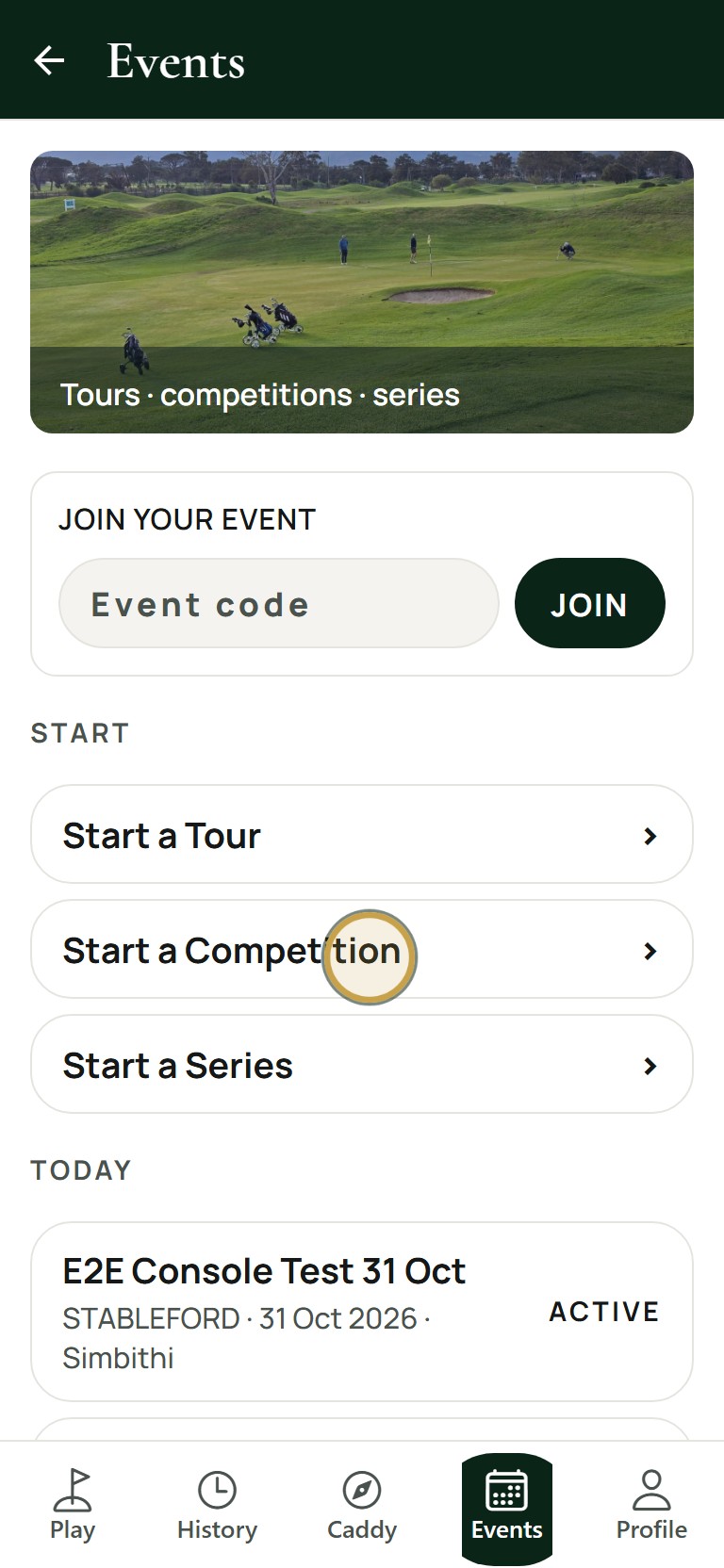
1Open Events and tap Start a Competition.
No sound. The words are under the clip.
The steps
- 01
Open Events and tap Start a Competition.
- 02
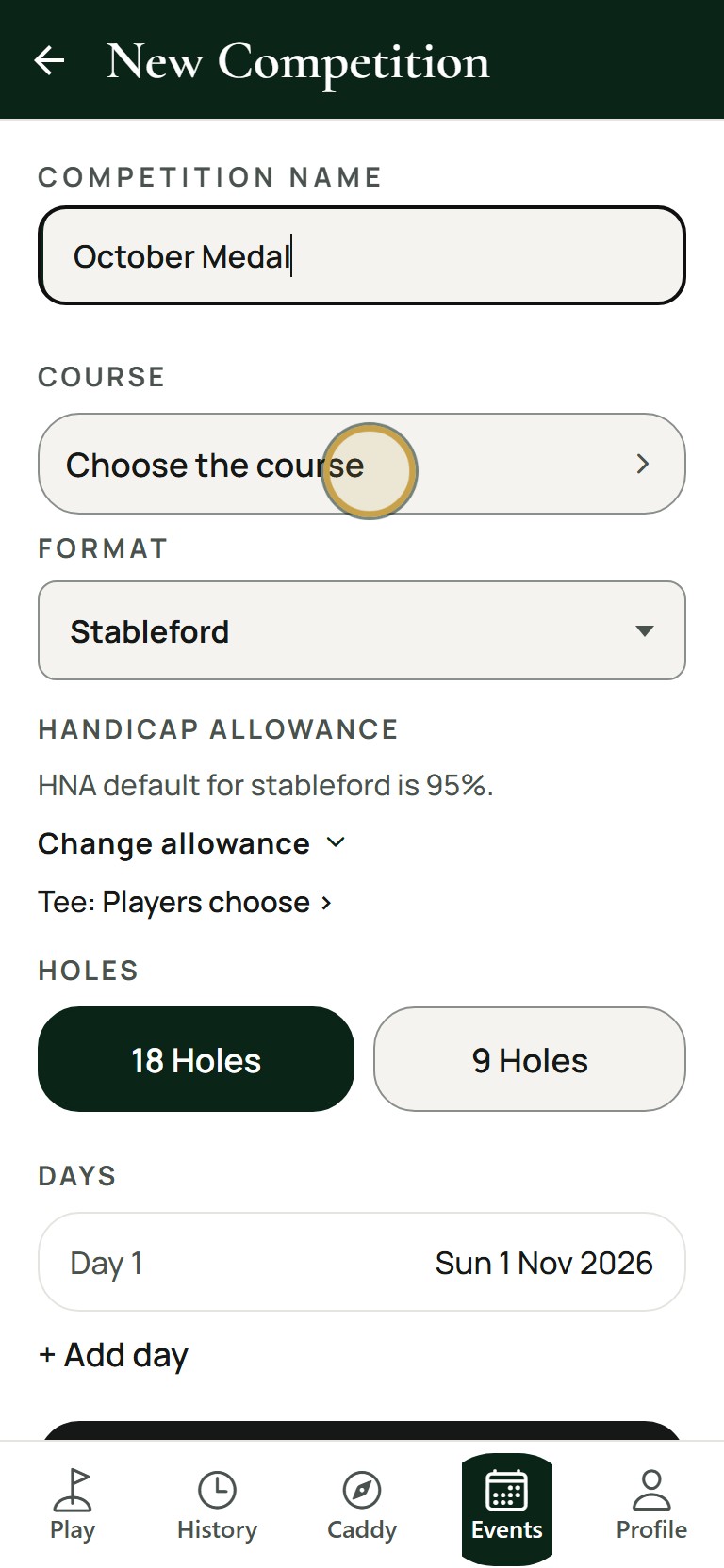
Type the competition name, then tap Course.
- 03
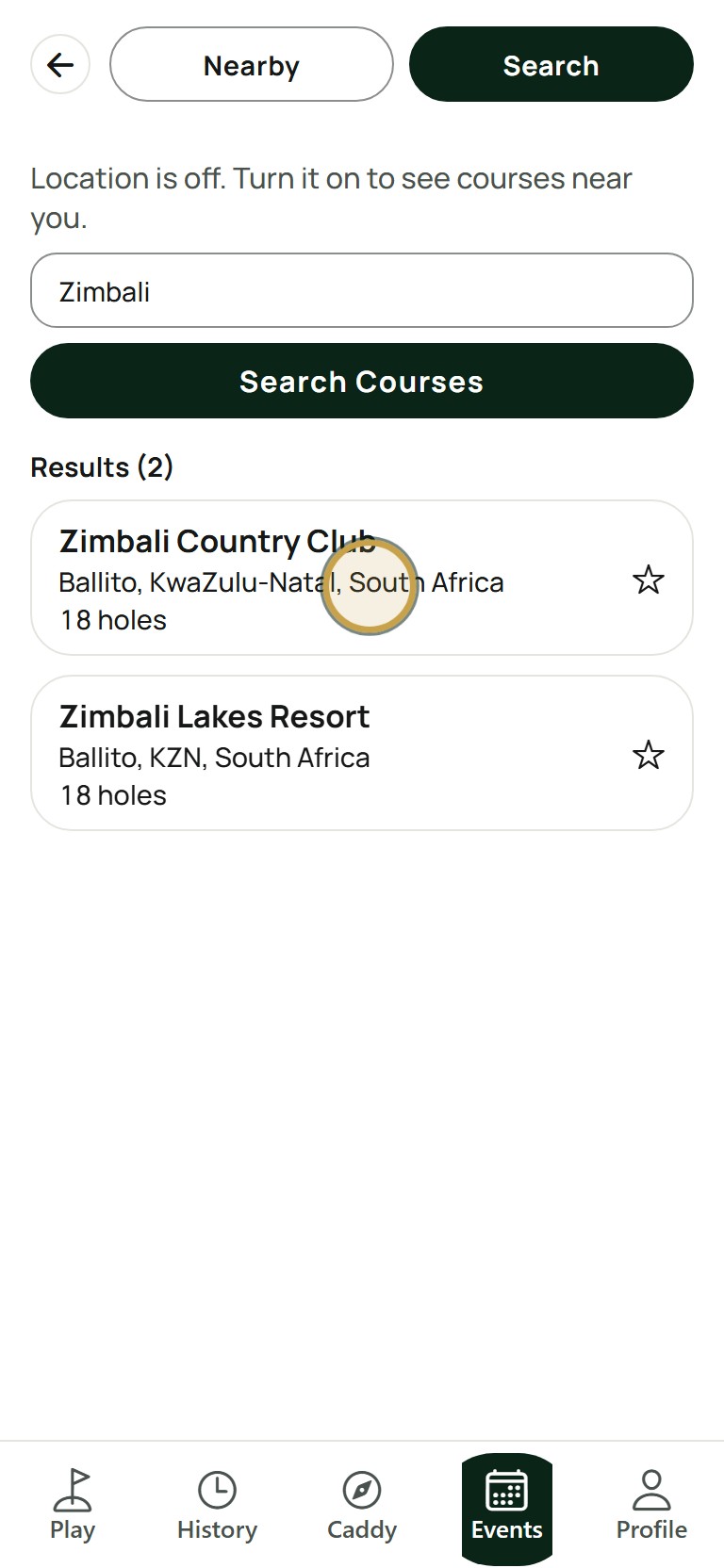
Search for the course and tap it.
- 04
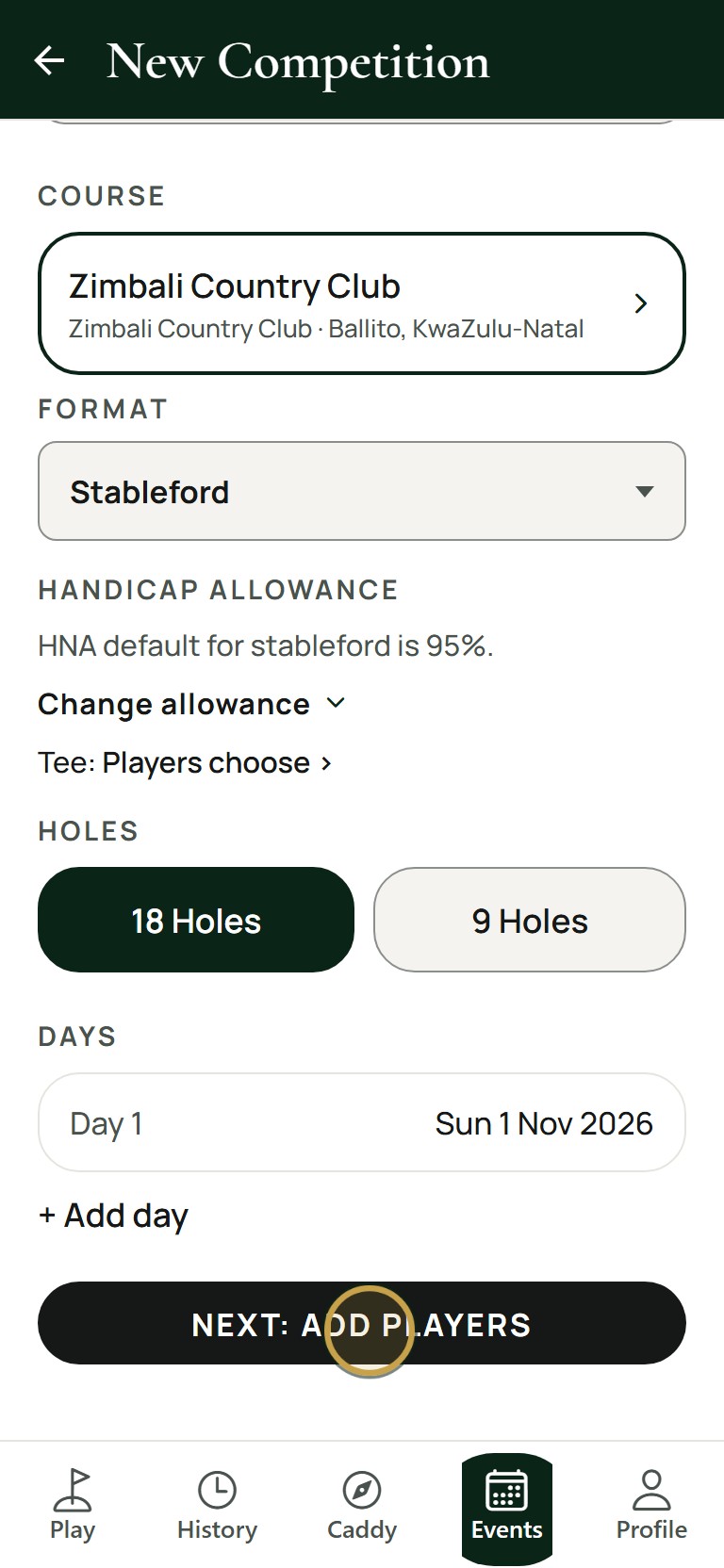
Choose the format, days and holes, then tap Next: Add players.
- 05
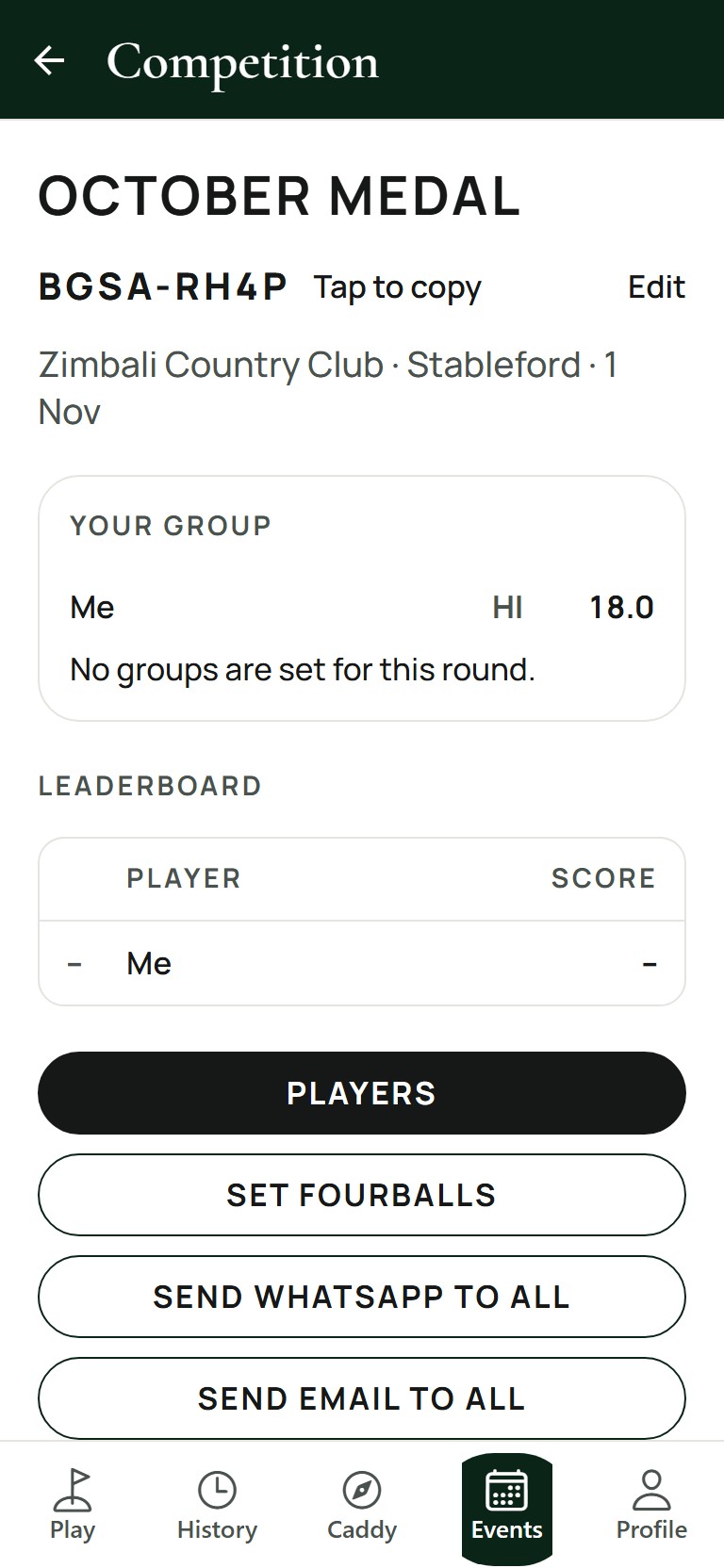
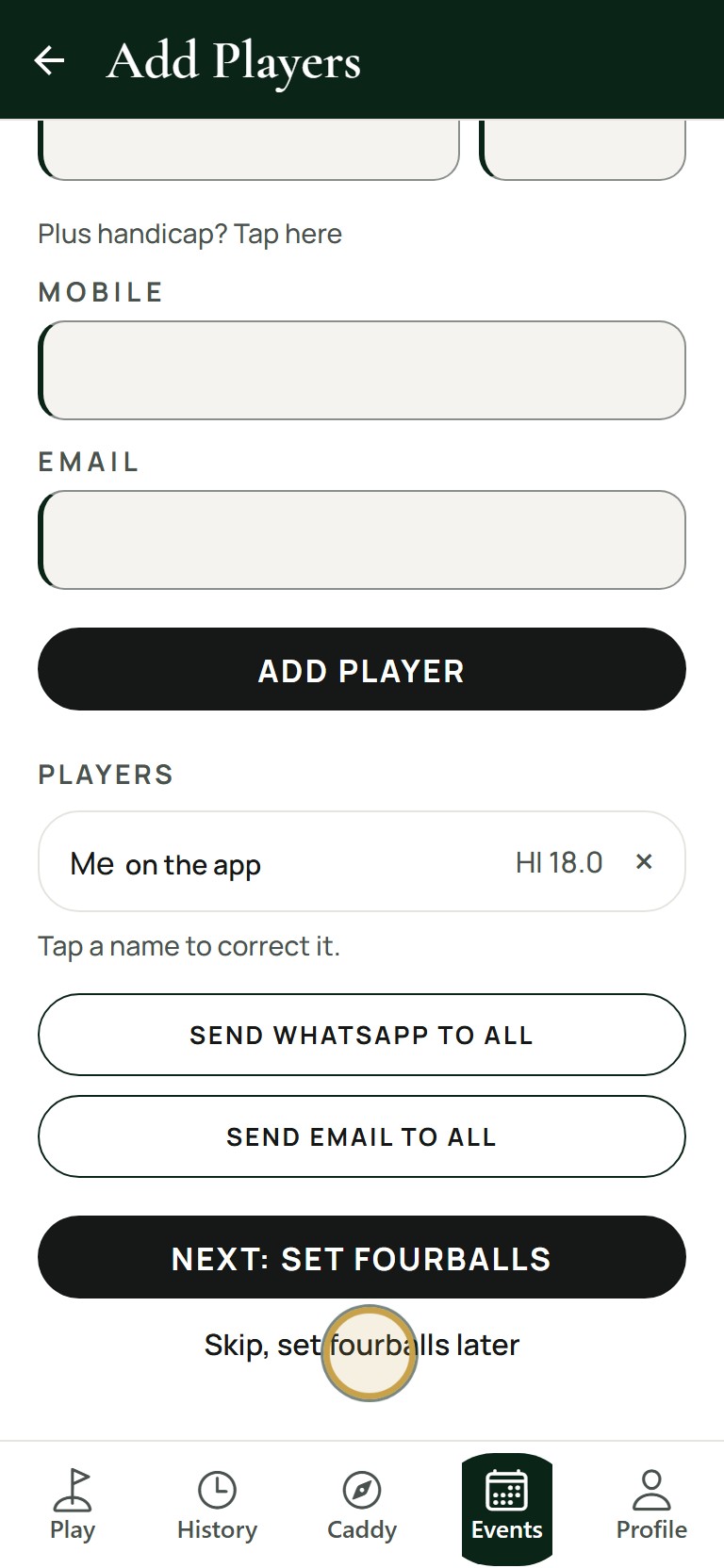
Tap Skip for now. Your competition is ready.
- 06
Share the join code with your players.